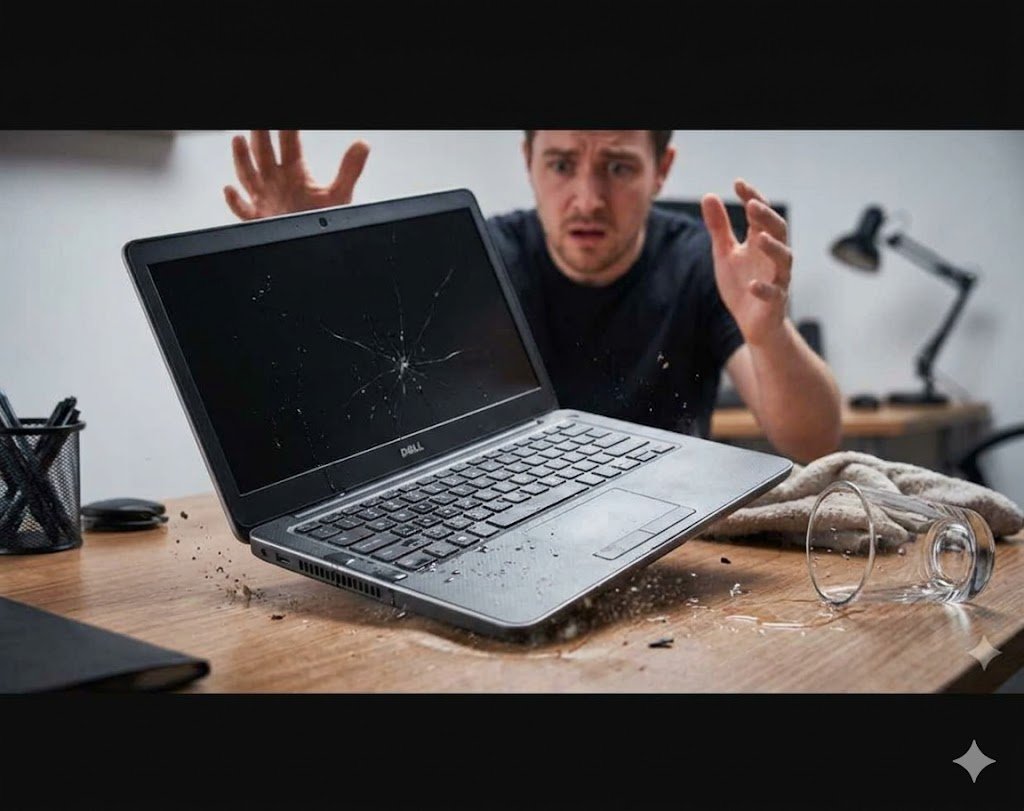
Dropped Laptop? What to Do Immediately After It Falls
If you are searching Dropped Laptop? What to Do, it usually means panic has already set in—and that’s understandable. A dropped laptop can go from fully working to completely dead within seconds, or worse, it may seem fine but hide serious internal damage.
The biggest mistake people make is continuing to use it normally after a drop. Even if it turns on, internal components like the hard drive, SSD, motherboard, or display cables may already be damaged.
In this guide, you’ll learn exactly what to do right away, how to prevent permanent damage, and how to protect your lost data before it’s too late.
Dropped Laptop? What to Do in the First 60 Seconds
The first minute after a drop is critical. Follow these steps immediately:
Step 1: Power Off Immediately
If your laptop is still running, shut it down completely. Do not wait for programs to close properly.
A running system after impact can worsen internal damage, especially to storage drives where lost data risks are highest.
Step 2: Unplug Everything
Disconnect:
- Charger
- USB drives
- External monitors
- Any accessories
If possible, remove the battery (older laptop models).
Dropped Laptop? What to Do Before Turning It On Again
After the immediate shutdown, resist the urge to test it repeatedly.
Step 3: Do NOT Restart Repeatedly
Many users power it on “just to check.” This is dangerous.
If there is internal damage, repeated boot attempts can:
- Corrupt files
- Damage the hard drive further
- Increase lost data risk
- Cause permanent motherboard failure
Step 4: Inspect the Laptop Carefully
Check for visible damage:
- Cracked screen
- Bent corners
- Loose hinges
- Keyboard malfunction
- Strange clicking sounds
- Burnt smell (electrical damage)
Even if everything looks fine externally, internal damage is still possible.
Dropped Laptop? What to Do About Internal Damage Risks
A laptop drop can affect multiple internal components:
1. Hard Drive Damage (HDD)
Traditional hard drives are extremely sensitive. A drop can cause:
- Head crash
- Scratched disk platters
- Immediate lost data
2. SSD Damage
Although more durable, SSDs can still suffer:
- Connector loosening
- Controller failure
- Boot errors
3. Motherboard Damage
Even a small drop can cause:
- Micro cracks in circuits
- Power failure
- Random shutdowns
4. Display and Cable Issues
You may notice:
- Flickering screen
- No display
- Lines or distortion
Dropped Laptop? What to Do to Prevent Lost Data
If your laptop still turns on:
Step 5: Back Up Immediately
Quickly copy:
- Documents
- Photos
- Work files
- Emails
- Projects
Use:
- External hard drive
- USB drive
- Cloud storage (Google Drive, OneDrive, iCloud)
👉 Learn more about backups:
https://www.microsoft.com/en-us/windows/backup
Step 6: If It Doesn’t Turn On – Stop Trying
If your laptop is dead:
- Do NOT try random fixes
- Do NOT keep powering it on
- Do NOT install recovery software blindly
This increases chances of permanent lost data.
Instead, proceed to professional diagnosis.
Dropped Laptop? What to Do for Professional Repair
At this stage, expert help is the safest option.
A technician can:
- Open and inspect internal components
- Test motherboard integrity
- Recover lost data
- Replace damaged hard drives or SSDs
- Fix display and power issues
👉 Internal Repair Page:
https://www.ridgewaycomputers.com/laptop-repair-toronto
👉 Data Recovery Services:
https://www.ridgewaycomputers.com/data-recovery
Common Symptoms After a Dropped Laptop
Even if your device seems fine, watch for delayed issues:
- Laptop randomly shuts down
- Slow performance
- Overheating
- Missing files
- Boot failure
- Screen flickering
- Keyboard or touchpad not working
These symptoms often appear hours or days after the drop.
Dropped Laptop? What to Do vs What NOT to Do
✅ DO:
- Power off immediately
- Back up files fast
- Seek professional repair
- Handle gently after drop
❌ DO NOT:
- Keep restarting
- Shake or hit the laptop
- Use DIY internal repair without experience
- Ignore small glitches
Why Dropped Laptops Often Lead to Lost Data
A dropped laptop is not just a physical issue—it is a data risk emergency.
Most lost data cases happen because:
- Hard drives get physically damaged
- File systems become corrupted
- Users continue using damaged systems
- Delayed repair worsens the issue
The faster you act, the higher the chance of full recovery.
Dropped Laptop? What to Do – Final Advice
If you remember only one thing, remember this:
👉 A dropped laptop should never be treated as “normal” again until fully checked.
Even if it turns on and looks fine, hidden damage can destroy your lost data later.
Professional inspection is always cheaper than full data loss.