Table of Contents
- What Happens When You Spill Water on a Laptop
- 5 Critical Steps to Take Immediately
- What NOT to Do
- When to Get Professional Help
Spilled Water on Laptop? Here’s What You Need to Know
If you’ve spilled water on laptop, time is everything.
Water (or any liquid) can quickly damage:
- Internal circuits
- Keyboard connections
- Battery and motherboard
The faster you act, the higher the chance your laptop can be saved.
1. Turn Off Your Laptop Immediately
If you just spilled water on laptop, don’t wait.
- Shut it down right away
- If it’s plugged in, unplug it
- Hold the power button if needed
⚠️ Keeping it on can cause a short circuit and permanent damage.
2. Disconnect Everything
Remove all external connections:
- Charger
- USB devices
- External mouse/keyboard
This reduces the risk of electrical damage after you’ve spilled water on laptop.
3. Dry the Outside Quickly
Use a clean cloth or paper towel to:
- Wipe visible liquid
- Tilt the laptop to let water drain out
💡 Tip: Place it upside down in a “tent” position to help liquid escape.
4. Do NOT Use Heat (Very Important)
Many people panic after they’ve spilled water on laptop and try:
- Hair dryers
- Heaters
❌ This can push water deeper inside or damage components.
Instead:
- Let it air dry
- Use a fan if needed
5. Leave It Off for at Least 24–48 Hours
Even if it looks dry, internal moisture can remain.
If you turn it on too soon after you’ve spilled water on laptop, you risk:
- Short circuits
- Permanent motherboard damage
Patience here can save your device.
What NOT to Do After You Spilled Water on Laptop
Avoid these common mistakes:
- ❌ Don’t keep trying to power it on
- ❌ Don’t shake the laptop aggressively
- ❌ Don’t plug it in “just to check”
- ❌ Don’t assume it’s fine if it turns on briefly
These actions often make the damage worse.
Signs of Internal Damage
After you’ve spilled water on laptop, watch for:
- Keyboard not working
- Screen flickering
- Laptop overheating
- Random shutdowns
These are signs liquid may have reached internal components.
When to Get Professional Help
If your laptop:
- Won’t turn on
- Acts unstable
- Had a large spill
Don’t take risks.
👉 Bring it to Ridgeway Computers for a full internal inspection and cleaning.
Professional service can:
- Prevent corrosion
- Clean internal components safely
- Recover your data if needed
Image (SEO Optimized)
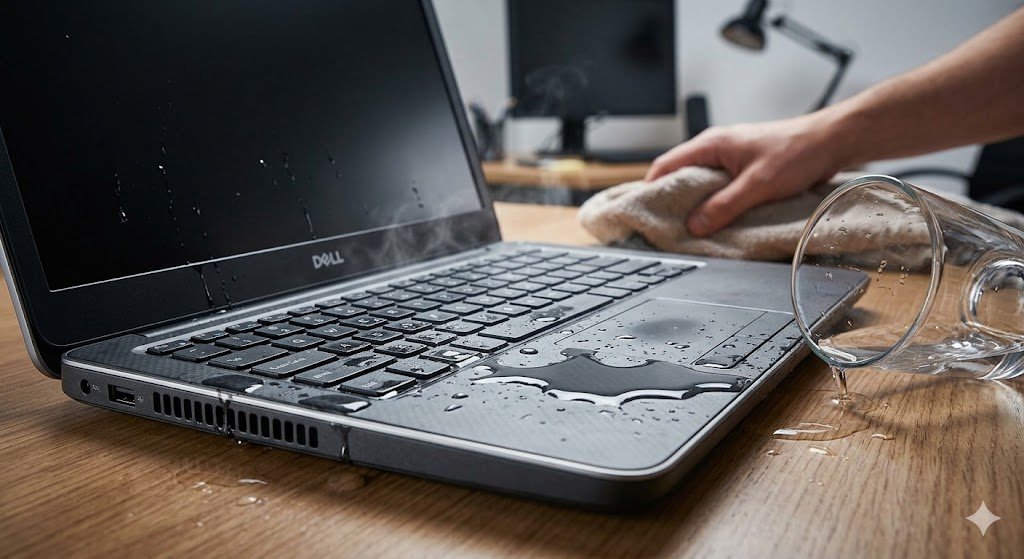
Alt text: spilled water on laptop
Conclusion
If you’ve spilled water on laptop, acting quickly can mean the difference between a simple fix and a costly replacement.
Follow these steps immediately—but if you’re unsure or the damage is serious, don’t wait.
👉 Visit Ridgeway Computers for fast, reliable laptop repair and recovery services.