Introduction: Why Gaming Computers Matter in 2026
If you are serious about performance, immersion, and competitive advantage, then gaming computers are no longer optional—they are essential. Modern games demand extreme processing power, advanced graphics rendering, and fast memory systems that only high-quality gaming computers can deliver.
In 2026, the difference between a standard PC and optimized gaming computers is massive. Frame rates, load times, and thermal efficiency all depend on how well your system is built or selected. This guide breaks everything down so you can confidently choose or build the right system.
What Are Gaming Computers? (Gaming Computers Explained)
At their core, gaming computers are high-performance machines designed specifically for running demanding video games smoothly. Unlike regular office PCs, gaming computers are built with:
- High-end GPUs (graphics cards)
- Fast multi-core CPUs
- Advanced cooling systems
- High-speed SSD storage
- Optimized RAM configurations
These components allow gaming computers to handle modern AAA titles, esports games, and VR environments without lag or stuttering.
Why Gaming Computers Outperform Standard PCs
There is a clear reason gamers invest in gaming computers instead of regular desktops.
Key Advantages of Gaming Computers:
- Higher FPS (Frames Per Second)
- Better graphics quality
- Lower input delay
- Superior multitasking ability
- Upgrade flexibility
When properly optimized, gaming computers can remain powerful for 5–7 years with selective upgrades.
How to Choose the Best Gaming Computers in 2026
Choosing the right gaming computers depends on your budget, performance expectations, and usage.
1. GPU (Graphics Card)
The GPU is the heart of gaming computers. Look for:
- NVIDIA RTX 40/50 series
- AMD RX 7000 series
2. CPU (Processor)
A strong CPU ensures smooth gameplay:
- Intel i5/i7/i9 (13th–15th Gen)
- AMD Ryzen 5/7/9 series
3. RAM
For modern gaming computers, 16GB is minimum, 32GB is ideal.
4. Storage
SSD storage is essential for fast loading times in gaming computers.
5. Cooling System
High-performance gaming computers require proper airflow or liquid cooling.
Gaming Computers vs Gaming Laptops
Many users confuse desktops and laptops when it comes to gaming computers.
Gaming Computers (Desktops):
- More power
- Better cooling
- Easier upgrades
- Longer lifespan
Gaming Laptops:
- Portable
- Compact
- Slightly lower performance
If performance is your priority, gaming computers are the superior choice.
Best Budget Strategy for Gaming Computers
You don’t need to overspend to get great gaming computers. A smart budget split looks like this:
- 40% GPU
- 25% CPU
- 15% RAM
- 10% Storage
- 10% Cooling & PSU
This ensures your gaming computers stay balanced and efficient.
Upgrading Gaming Computers Over Time
One major advantage of gaming computers is upgradeability.
You can improve:
- Graphics card
- RAM capacity
- Storage speed
- Cooling systems
Instead of replacing the whole system, gaming computers allow incremental upgrades, saving money long-term.
Common Mistakes When Buying Gaming Computers
Avoid these errors:
- Buying weak GPUs for “future proofing”
- Ignoring power supply quality
- Overpaying for unnecessary RGB features
- Not balancing CPU and GPU
- Choosing low airflow cases
These mistakes reduce the performance of your gaming computers significantly.
Internal & External Resources
Internal Link:
Explore our services here:
👉 https://ridgewaycomputers.com/custom-gaming-computers
External Resources (DoFollow Recommended):
These resources help you understand the core technology behind gaming computers.
Image Optimization
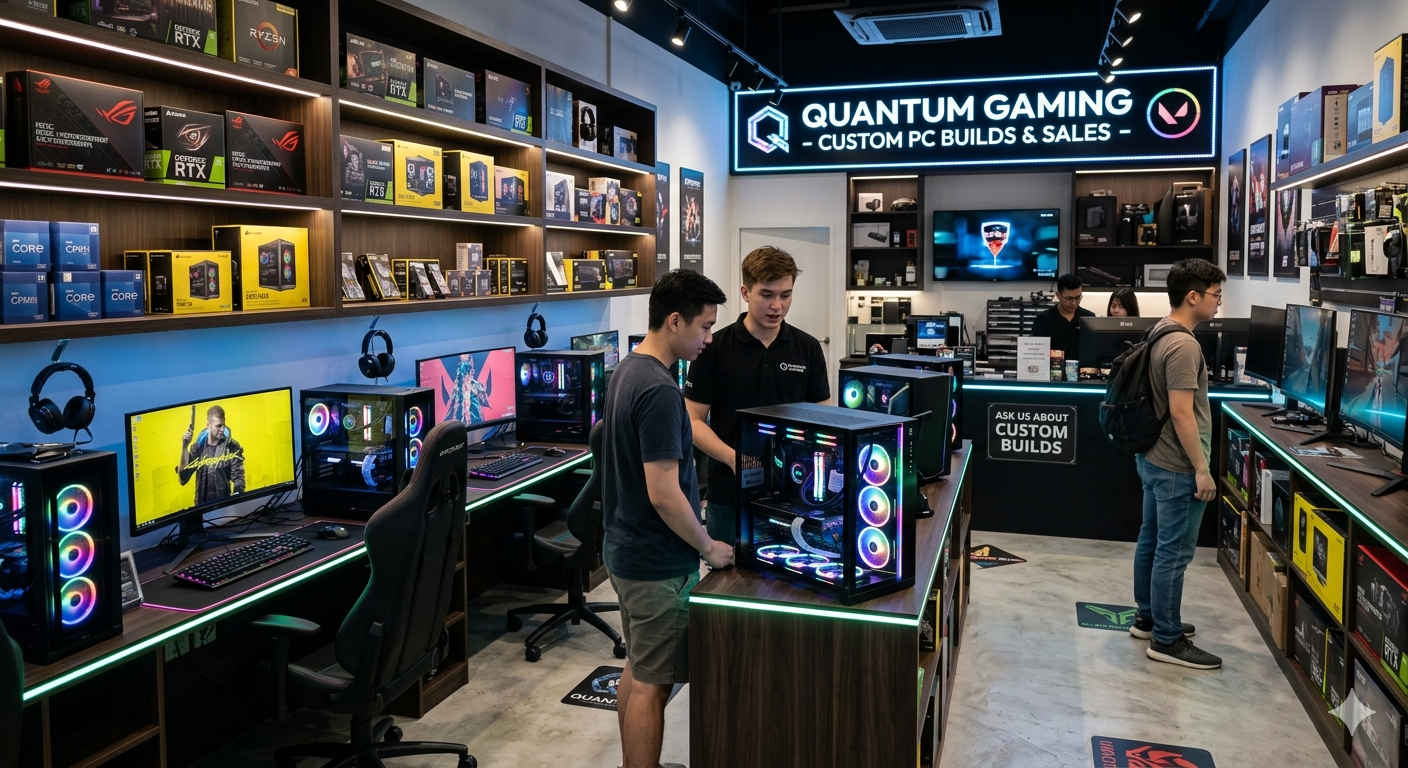
Add this image to your post:
Image Alt Text:
gaming computers setup 2026 high performance RGB desktop build
Suggested image placement: after introduction section.
Gaming Computers Performance Optimization Tips
To maximize your gaming computers, follow these expert tips:
- Keep drivers updated
- Monitor GPU temperature
- Close background applications
- Enable performance mode in Windows
- Regularly clean dust from hardware
These small actions dramatically improve how gaming computers perform over time.
Do You Need a Custom Gaming Computer?
Pre-built systems are convenient, but custom gaming computers give you:
- Better value for money
- Higher performance tuning
- Personalized design
- Better upgrade paths
Ridgeway Computers specializes in building optimized gaming computers tailored to your exact needs.
Conclusion
In 2026, gaming computers are more powerful, efficient, and accessible than ever before. Whether you are a casual gamer or a competitive player, investing in the right gaming computers ensures long-term performance, smoother gameplay, and a better overall experience.
If you want expert-built gaming computers, Ridgeway Computers can help you design a system that matches your exact gaming goals and budget.