

Repair Services
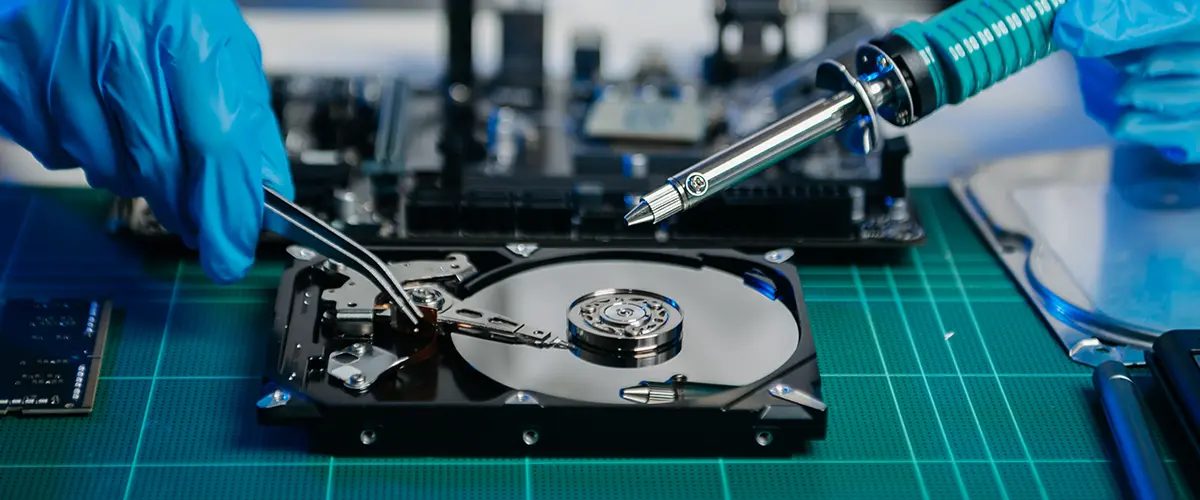
Hard Drive Data Recovery Services in Mississauga, Oakville, Toronto & GTA
Hard drive failure can result in sudden data loss, system crashes, or complete inaccessibility of important files. Ridgeway Computers provides professional hard drive recovery services for clients in Mississauga, Oakville, Toronto, and across the GTA. Whether your drive is making clicking noises, not being detected by your computer, or showing corrupted files, our technicians perform careful diagnostics to determine the safest recovery method.
Mechanical hard drives can fail due to physical damage, bad sectors, electrical issues, accidental formatting, or malware-related corruption. Acting quickly and avoiding further use of the device can significantly increase the chances of successful recovery.
Drive Diagnostics, Data Extraction & Safe Recovery Process
Our recovery process begins with a detailed evaluation of the drive’s condition to determine whether the issue is logical (software-related) or physical (hardware-related). We use specialized tools to access recoverable data while minimizing the risk of additional damage.
For logical failures, we perform controlled data extraction procedures to retrieve documents, photos, videos, and business files. In cases involving hardware malfunction, we carefully handle the drive components and attempt recovery using advanced methods.
Serving individuals and businesses in Mississauga, Oakville, Toronto, and throughout the GTA, Ridgeway Computers ensures secure data handling, confidentiality, and verification of recovered files before completion. Our goal is to restore as much accessible data as possible while maintaining professional recovery standards.